Kimi K2.5: vision, code, Office skills and agent clusters
Kimi K2.5 is presented as Moonshot's most versatile open model at that point: native vision and text input, thinking and non-thinking modes, code generation, Office skills and an experimental Agent cluster mode. This page reads K2.5 as a bridge release between single-agent Kimi workflows and later larger agent-swarm releases.
Key takeaways
01Kimi K2.5 is presented as a versatile open model that combines native multimodal input, code, Office skills and Agent modes.
02Agent cluster mode is the most forward-looking idea: K2.5 can create parallel sub-agents for complex tasks.
03Read K2.5 as a bridge between single-agent Kimi workflows and later larger swarm-style releases.
Kimi K2.5: vision, code, Office skills and agent clusters video guide. A short SmarToken video for Kimi K2.5: Vision, Code, Office Skills And Agent Clusters, focused on model knowledge, evaluation angles and practical takeaways.
K2.5 brings vision into the workflow
Kimi K2.5 supports native vision and text input, thinking and non-thinking modes, conversations and Agent tasks.
That matters because many real tasks are hard to describe in text alone. A user may have a screenshot, a screen recording, a chart, a document layout or a UI interaction they want reproduced. K2.5's release positioning is that visual understanding can become the front door to coding and office workflows, not just image captioning.
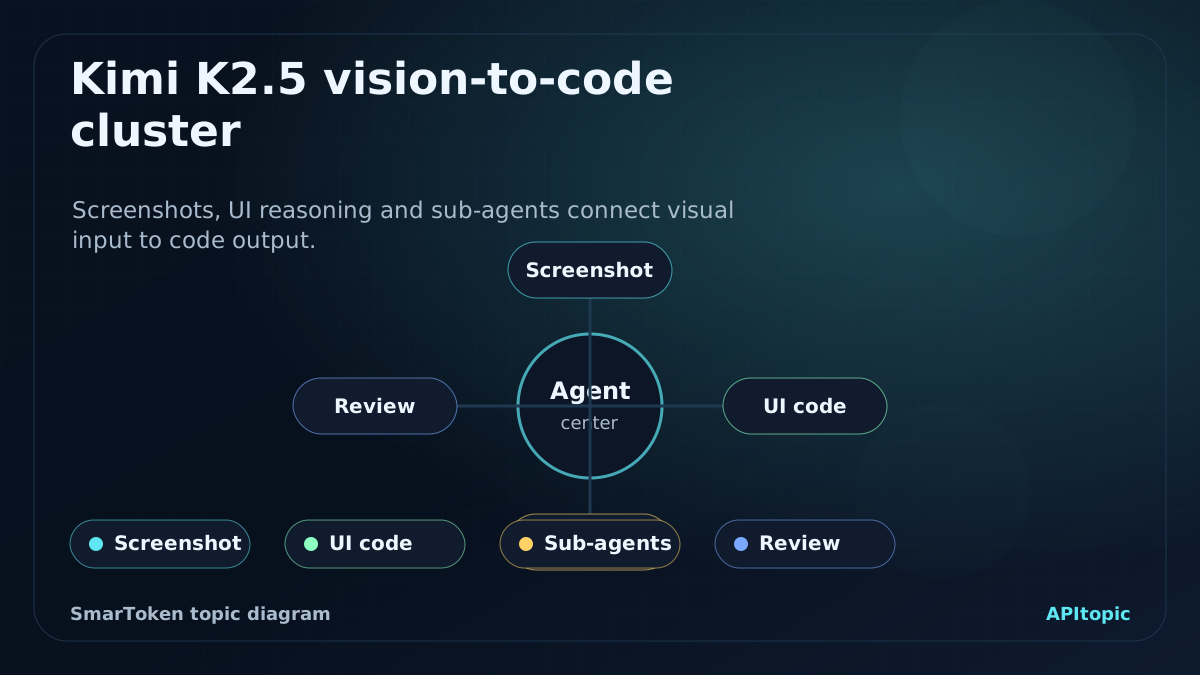
Vision-to-code diagram for understanding Kimi K2.5 as a visual agent workflow.
Test screenshots, recordings and diagrams as inputs.
Ask for generated code or documents that can be inspected.
Verify visual details instead of trusting fluent descriptions.
Capability
Example
Validation step
Visual coding
Generate front-end pages from prompts or recordings.
Run the app and inspect layout behavior.
Office skills
Work with Word, Excel, PPT and PDF.
Check formulas, formatting and reported claims.
Agent cluster
Create sub-agents for parallel work.
Review decomposition, duplication and final merge quality.
Kimi Code
Use K2.5 inside terminals and IDEs.
Run tests and review diffs.
Visual-to-code is the sharpest developer test
K2.5's ability to understand visual inputs and generate front-end code with interactive layouts and dynamic effects.
This is easy to overstate and easy to test. Give the model a screenshot or recording, ask it to reproduce the interaction, then run the result. The right evaluation is not whether the demo looks impressive in a video. It is whether the code is maintainable, responsive, accessible and close to the reference.
Run the generated project.
Check mobile and desktop layouts.
Review interaction logic and maintainability.
Agent clusters move from one worker to a team
K2.5 can create up to 100 sub-agents and coordinate up to 1500 steps for complex work, with the main agent assigning roles and merging output.
The idea is powerful because many tasks benefit from parallel search, writing, analysis or review. It also creates failure modes. Sub-agents can duplicate work, drift from the task, miss evidence or produce inconsistent sections. For practical use, judge cluster mode by final artifact quality, traceability and whether parallelism actually reduces wall-clock time.
Inspect sub-agent role assignments.
Check for duplicated or conflicting work.
Measure time saved against quality risk.
Kimi Code turns the model into a developer tool
Kimi Code for terminal and editor workflows, including VSCode, Cursor, JetBrains and Zed integrations.
This connects K2.5's model capabilities to daily development. A coding model is useful only when it can read context, modify files, run checks and fit the editor or terminal where developers work. Kimi Code should be tested like any other coding agent: diffs, tests, rollback, security and project-specific instructions.
Use a real repository with tests.
Inspect every diff before merge.
Keep credentials and private data out of prompts.
Four modes make K2.5 a routing problem
fast mode, thinking mode, Agent mode and Agent cluster mode, each suited to different task shapes.
That mode split is useful if the application routes correctly. Fast mode belongs to simple interactions. Thinking mode fits complex reasoning. Agent mode fits document, research and web generation tasks. Agent cluster mode fits parallel-heavy work. Without routing rules, users may overuse the most expensive or experimental mode.
Match mode to task risk and complexity.
Record when Agent cluster mode actually helps.
Use API and product routes separately in evaluation.
Common mistakes to avoid
Mistake
Treating one article as a final ranking
Why it hurts
Model releases, pricing, quotas and benchmark positions can change quickly.
Better move
Use the analysis as a shortlist, then run current checks against your own workload.
Mistake
Choosing by brand instead of task
Why it hurts
A strong chat model may still be weak for long documents, coding agents, multimodal work or low-latency routes.
Better move
Define the job first, then compare models with prompts, files or media that match that job.
Mistake
Copying claims without a current verification check
Why it hurts
Benchmark numbers, context windows, API names and prices may be dated or provider-specific.
Better move
Confirm high-impact details against official docs, model cards or live provider pages.
Turn the article into a short test plan: pick realistic prompts, compare outputs against one or two alternative model families and record quality, latency and cost before choosing a route.
FAQ
These questions reflect recurring reader concerns around Chinese model knowledge, evaluation and fast-moving model releases.
What is the main point of Kimi K2.5: vision, code, Office skills and agent clusters?
Kimi K2.5 is presented as Moonshot's most versatile open model at that point: native vision and text input, thinking and non-thinking modes, code generation, Office skills and an experimental Agent cluster mode. This page reads K2.5 as a bridge release between single-agent Kimi workflows and later larger agent-swarm releases.
How should readers use the Chinese model context here?
Use it as market and product context, then verify technical claims, pricing, quotas and release details against official pages or your own tests before making a decision.
Why is there a short video with the page?
The video gives a fast visual summary of the model story, while the written page carries the caveats, comparisons and practical checks.
References and verification
SmarToken tracks public model releases, technical reports, product announcements and market signals to keep this catalog useful.
Technical claims need to be treated as dated unless they are confirmed by current official model cards, technical reports or provider announcements.
Pricing, quota, availability and benchmark details can change after the review date, so production decisions should use current vendor pages and direct workload tests.