
APItopic
Evaluation8 min read/Updated 2026-05-25

Zhipu Qingyan vs KimiChat: a workplace assistant reading

This page is enthusiastic about Zhipu Qingyan as a workplace-friendly Chinese AI assistant. It compares the product landscape loosely, then focuses on Qingyan's agent builder, image generation, long-document reading, data analysis and web search. The page keeps the practical workflow view while adding a freshness caution because the material was first published in 2024 and product features have likely changed.
Key takeaways

  1. 01This is a positive 2024 hands-on page about Zhipu Qingyan as a worker-friendly Chinese AI assistant.
  2. 02Its useful sections are product surfaces: GLMs agents, image generation, long-document reading, data analysis and advanced web search.
  3. 03The workflow examples stay intact, with a clear warning that product features, pricing and competitors have changed since the 2024 review date.
Zhipu Qingyan vs KimiChat: a workplace assistant reading video guide. A short SmarToken video for Zhipu Qingyan Vs KimiChat: A Workplace Assistant Reading, focused on model evaluation, tradeoffs and the current discussion.

Workplace usefulness is the right lens for AI assistants

The core claim is that Zhipu Qingyan feels useful for ordinary workers because it combines chat, agents, image generation, document reading, data analysis and connected search.

That is a practical lens. A workplace assistant is not only judged by benchmark scores. It is judged by whether a user can upload a file, summarize a document, analyze a table, create a role-specific agent, search fresh information and produce a draft without fighting the interface. This page keeps that task-first structure and removes the hype.

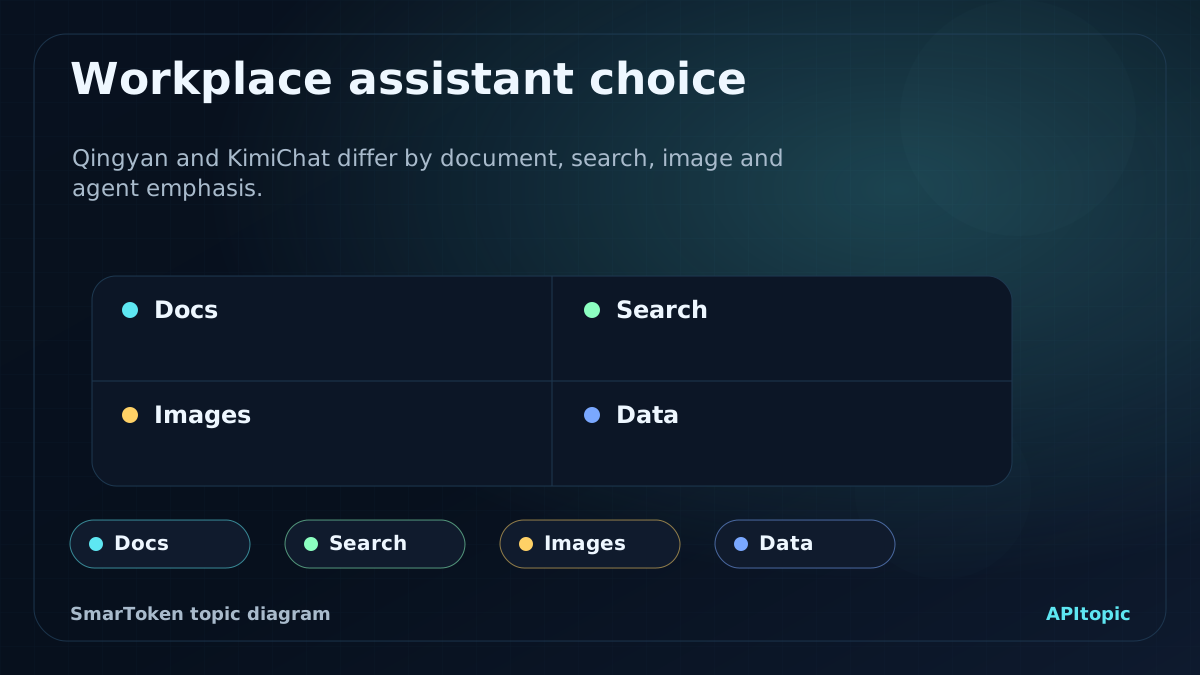
SmarToken editorial diagram for Workplace assistant choice: Docs, Search, Images, Data.
Comparison diagram for choosing between Qingyan and KimiChat by workplace task type.
  • Compare products through repeated work tasks.
  • Check which features are free, paid or changed.
  • Judge output quality and source grounding, not only UI convenience.
WorkflowView of QingyanComparison check
Custom agentsGLMs can be configured as roles with knowledge files.Check permissions, files and repeatability.
ImagesAI image generation is integrated as an agent.Check style control and usage rights.
DocumentsLong documents and papers can be summarized quickly.Check omissions and citation detail.
SearchAdvanced web search supplements model knowledge.Check evidence date and credibility.

Custom agents are the most durable idea

GLMs agents as role-like assistants that can be configured, fed files, tested and published privately or publicly.

This is still the most useful product idea here. A custom agent turns a repeated task into a reusable surface. It can be a research helper, writing assistant, data analyst or internal knowledge assistant. The risk is that users may treat a configured persona as reliable automation. For practical use, keep tasks narrow, use clear knowledge sources and review outputs before external use.

  • Start with one repeated workflow.
  • Upload only intended knowledge files.
  • Review outputs before publishing or sharing.

Long-document reading saves time but still needs verification

Qingyan can summarize long documents, papers and foreign-language materials quickly enough to help users decide what deserves deeper reading.

That is a good use case. AI document reading is strongest as triage: it helps users identify main arguments, structure, terms and likely relevance. It should not replace close reading when decisions are academic, legal, financial or high stakes. Ask for page references, direct evidence and a list of uncertain points.

  • Use summaries for first-pass triage.
  • Ask for references and uncertainty notes.
  • Read the original for high-stakes decisions.

Data analysis and search make the assistant more work-shaped

data interpretation and advanced web search as the features that make Qingyan feel more useful than a closed offline chatbot.

These features matter because many office questions require current information or structured numbers. A model that can inspect a table or search the web can answer more practical questions. But these surfaces also create reliability risk: tables can be misread, searches can cite weak pages and current facts can age. This makes verification part of the workflow.

  • Check parsed table values against the original.
  • Ask for evidence links and dates in search answers.
  • Use manual review for market, hiring or financial decisions.

The comparison with KimiChat needs a current retest

This page mentions KimiChat mainly as a long-text product and says Qingyan's wider product surface is better for workers, but this claim is dated.

Kimi and Qingyan have both changed since 2024. A fair current comparison should use the same long document, the same search question, the same image or document task, the same agent-building scenario and the same cost assumptions. The page does not publish the 2024 verdict as a 2026 buying conclusion without retesting.

  • Refresh product features before production use.
  • Use the same prompts and files.
  • Separate personal preference from measurable output quality.

Common mistakes to avoid

Mistake

Treating one article as a final ranking

Why it hurts

Model releases, pricing, quotas and benchmark positions can change quickly.

Better move

Use the analysis as a shortlist, then run current checks against your own workload.

Mistake

Choosing by brand instead of task

Why it hurts

A strong chat model may still be weak for long documents, coding agents, multimodal work or low-latency routes.

Better move

Define the job first, then compare models with prompts, files or media that match that job.

Mistake

Copying claims without a current verification check

Why it hurts

Benchmark numbers, context windows, API names and prices may be dated or provider-specific.

Better move

Confirm high-impact details against official docs, model cards or live provider pages.

Read it as a model briefing, not a setup guide

View model catalog ->

Use this page to understand the model family, the evaluation angle and the current conversation around it. Then choose one or two realistic prompts, documents or media tasks and test whether the model behaves well in your own workflow.

FAQ

These questions reflect recurring reader concerns around Chinese model knowledge, evaluation and fast-moving model releases.

What is the main point of Zhipu Qingyan vs KimiChat: a workplace assistant reading?

This page is enthusiastic about Zhipu Qingyan as a workplace-friendly Chinese AI assistant. It compares the product landscape loosely, then focuses on Qingyan's agent builder, image generation, long-document reading, data analysis and web search. The page keeps the practical workflow view while adding a freshness caution because the material was first published in 2024 and product features have likely changed.

How should readers use the Chinese model context here?

Use it as market and product context, then verify technical claims, pricing, quotas and release details against official pages or your own tests before making a decision.

Why is there a short video with the page?

The video gives a fast visual summary of the model story, while the written page carries the caveats, comparisons and practical checks.

References and verification

SmarToken tracks public model releases, technical reports, product announcements and market signals to keep this catalog useful.

Technical claims need to be treated as dated unless they are confirmed by current official model cards, technical reports or provider announcements.

Pricing, quota, availability and benchmark details can change after the review date, so production decisions should use current vendor pages and direct workload tests.

Get API Key